
Tablet Battery Replacement can make a noticeable difference when a tablet suddenly loses power, shuts down during normal use, or needs charging several times a day. Tablet Battery Replacement is not simply a matter of fitting a new cell and closing the housing. A proper repair starts with checking battery condition, charging behavior, connectors, and the surrounding power circuit so the actual cause is not missed. In my years of repairing devices here in Hoan Kiem, I have seen tablets arrive with batteries that were worn out, physically swollen, or affected by previous repairs. Some customers were worried that continued use might damage the motherboard, while others simply needed their tablet working again before continuing a trip. Our approach is practical: diagnose the fault, explain the repair clearly, use high-quality replacement parts, and test the tablet carefully before it leaves the workshop.
Battery drain and swelling can signal serious hardware damage
A tablet battery normally loses capacity gradually, but a sudden change deserves attention. When a lithium ion battery ages, its internal resistance can increase, causing voltage to drop more quickly under load. The result may be rapid battery drain, unexpected shutdowns, slow charging, or a tablet that becomes unusually warm. Physical swelling is more concerning because expanding cells can place pressure against the display assembly, frame, or internal components.
Battery swelling symptoms are not always obvious at first. A slightly raised screen, a gap along the frame, or a housing that no longer sits flat can indicate pressure from the battery underneath. I advise customers not to press a raised display back into position. Doing so can damage the display or create additional stress inside the device. A tablet battery health check can help distinguish normal ageing from a battery that needs immediate replacement.
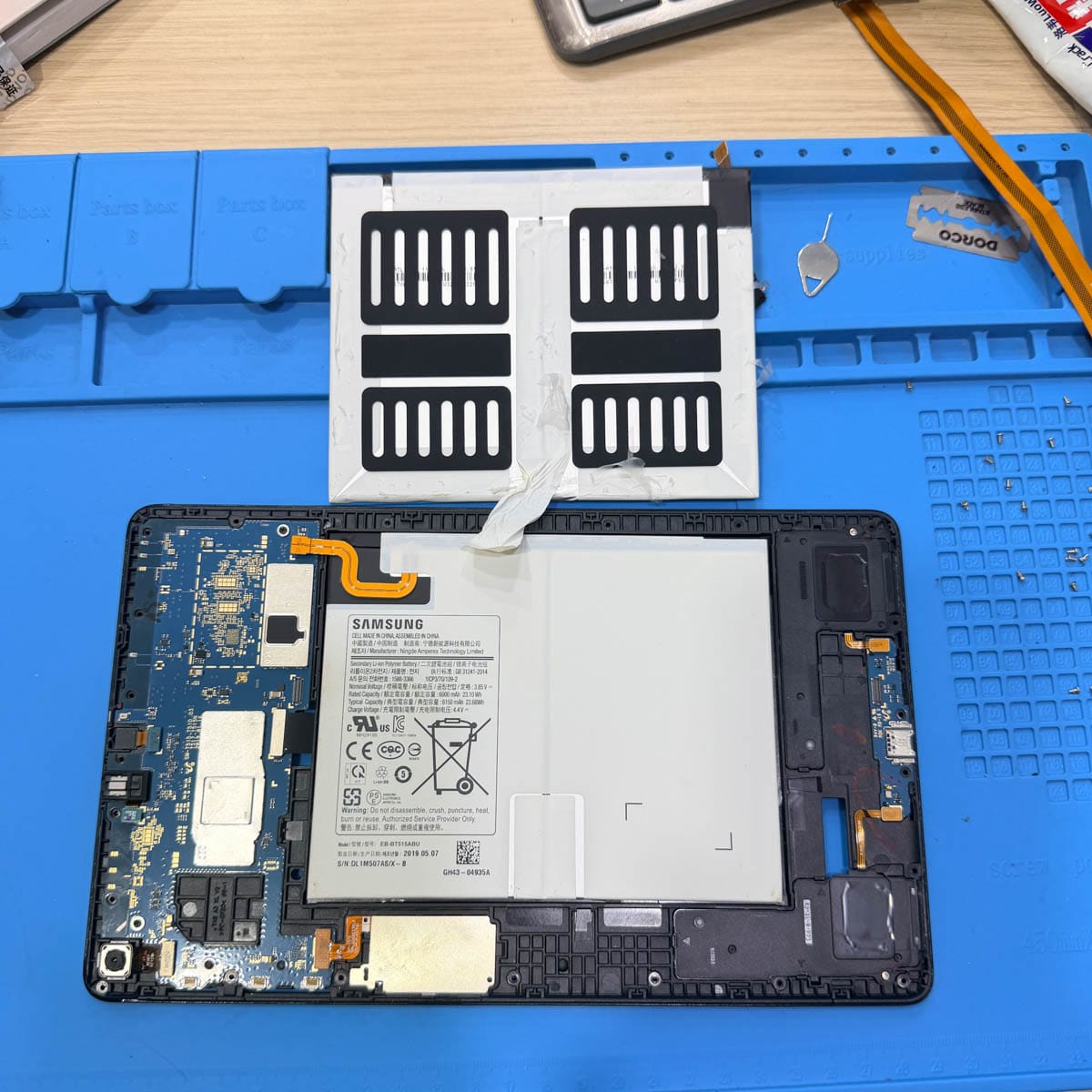
Just last week, I handled a case where a tablet was being charged several times each day and had started lifting slightly around one corner. The customer initially thought the screen adhesive had failed. Inspection showed that the battery had expanded underneath the display. We avoided unnecessary screen work, isolated the battery safely, checked the surrounding components, and prepared the device for a controlled replacement.
Professional diagnostics identify the correct battery replacement solution
Check battery health and swelling symptoms before opening the tablet
A tablet battery health check begins with the symptoms rather than immediately removing the battery. We look at charging behavior, standby drain, shutdown patterns, operating temperature, and any visible deformation. Software information can provide useful clues, but it does not always reveal physical battery damage. A swollen cell, for example, requires physical inspection even when the operating system still reports an apparently acceptable condition.
Many tourists come to our shop panicked because their tablet has become unreliable just before a flight or long journey. One customer recently arrived with a tablet that dropped from around half charge to almost empty within a short period. The device still powered on, so there was no reason to assume the motherboard had failed. Battery health diagnostics confirmed severe capacity loss, while the housing inspection showed no significant deformation. This allowed us to focus on the battery instead of replacing unrelated components.
Inspect the motherboard power circuit and battery connector
A battery problem can sometimes be caused by something beyond the battery itself. The motherboard power circuit controls how energy is distributed to charging and system components, while the battery connector provides the physical and electrical connection between the battery and board. A damaged connector, contamination, corrosion, or previous repair damage can create symptoms that look like a weak battery.
During inspection, we check the connector area for bent contacts, debris, signs of heat, and mechanical damage. We also consider charging behavior before deciding on replacement. This is particularly important when a tablet has previously been exposed to moisture. Liquid contamination around power circuits can increase resistance or create leakage paths, meaning a new battery alone may not solve the problem. Proper diagnosis reduces unnecessary parts replacement and helps protect the motherboard from avoidable damage.
Replace the lithium ion battery with careful component handling
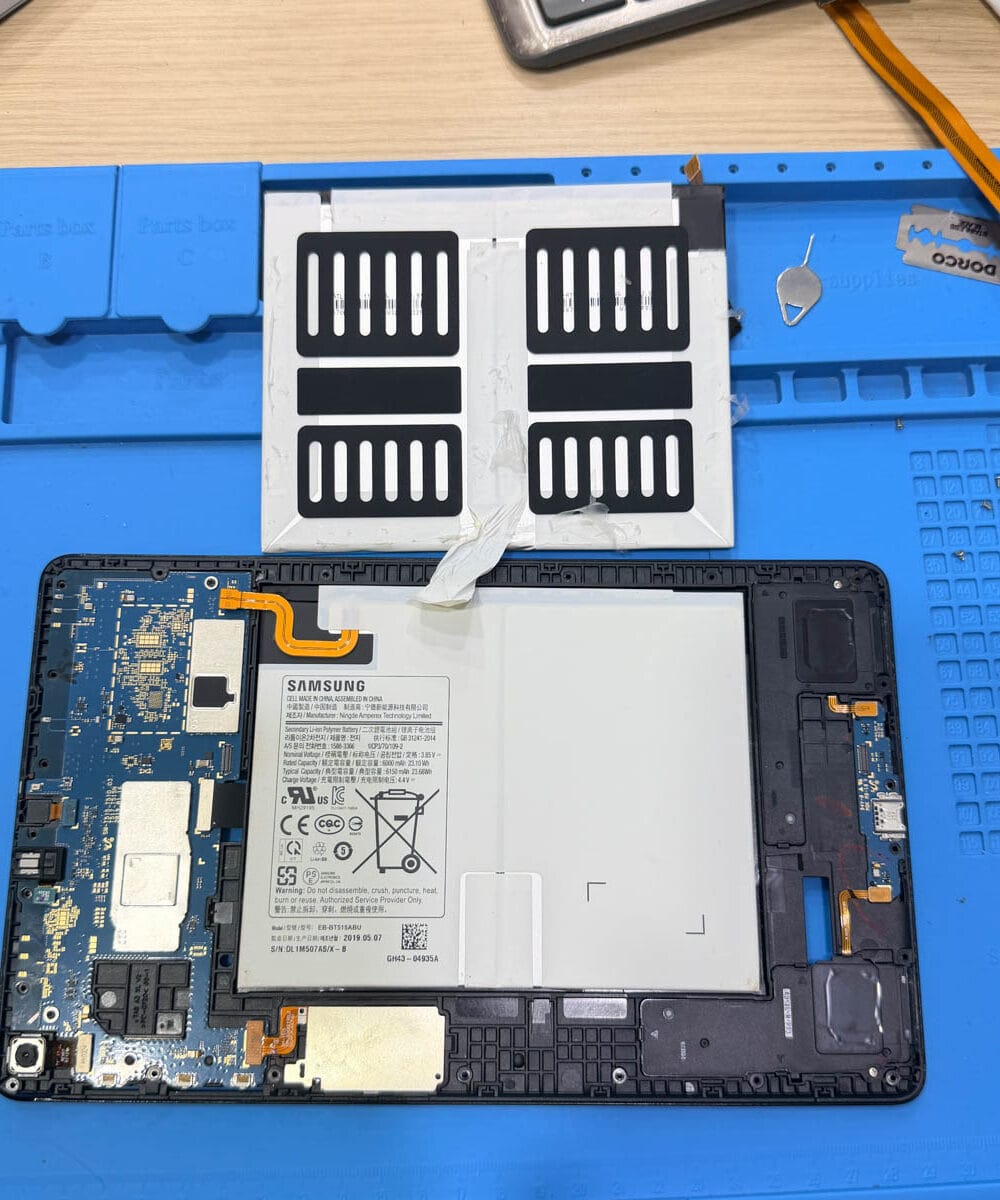
Tablet Battery Replacement requires controlled handling because many tablet batteries are strongly bonded inside the housing. Excessive force or an unsuitable tool can damage the battery pouch, display, flex cables, or nearby components. The correct removal method depends on the tablet design, adhesive system, and battery position.
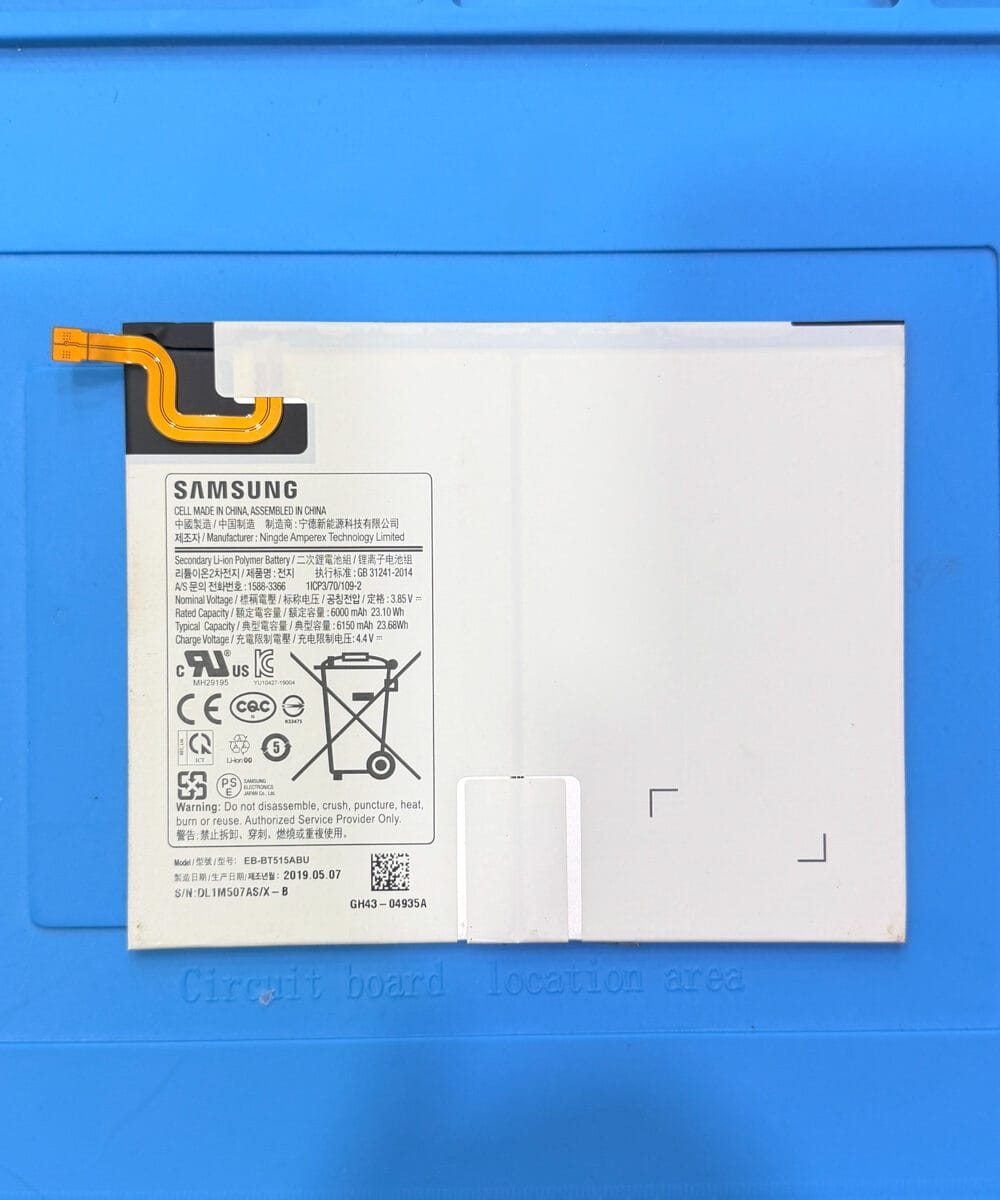
We use high-quality replacement parts selected for the specific tablet model and electrical requirements. After removing the old battery, the internal area is checked before installation. The replacement battery is positioned securely, connectors are seated correctly, and adhesive is applied without placing unnecessary pressure on surrounding components. Customers who need Samsung tablet service can also find our Samsung Tablet Repair Hanoi service for additional model-specific repair support.
Test charging, power stability, temperature, and battery performance
The repair is not finished when the tablet turns on. After Tablet Battery Replacement, we test charging behavior, power stability, battery recognition, operating temperature, and basic system functions. We also check whether the tablet remains stable during normal use rather than relying only on a short power-on test.
A common mistake I see when people notice battery problems is continuing to use the tablet while ignoring abnormal heat or physical swelling. If the battery is already compromised, continued charging and mechanical pressure can increase the risk of further internal damage. Testing after replacement gives us an opportunity to catch charging irregularities or connector issues before the device returns to daily use.
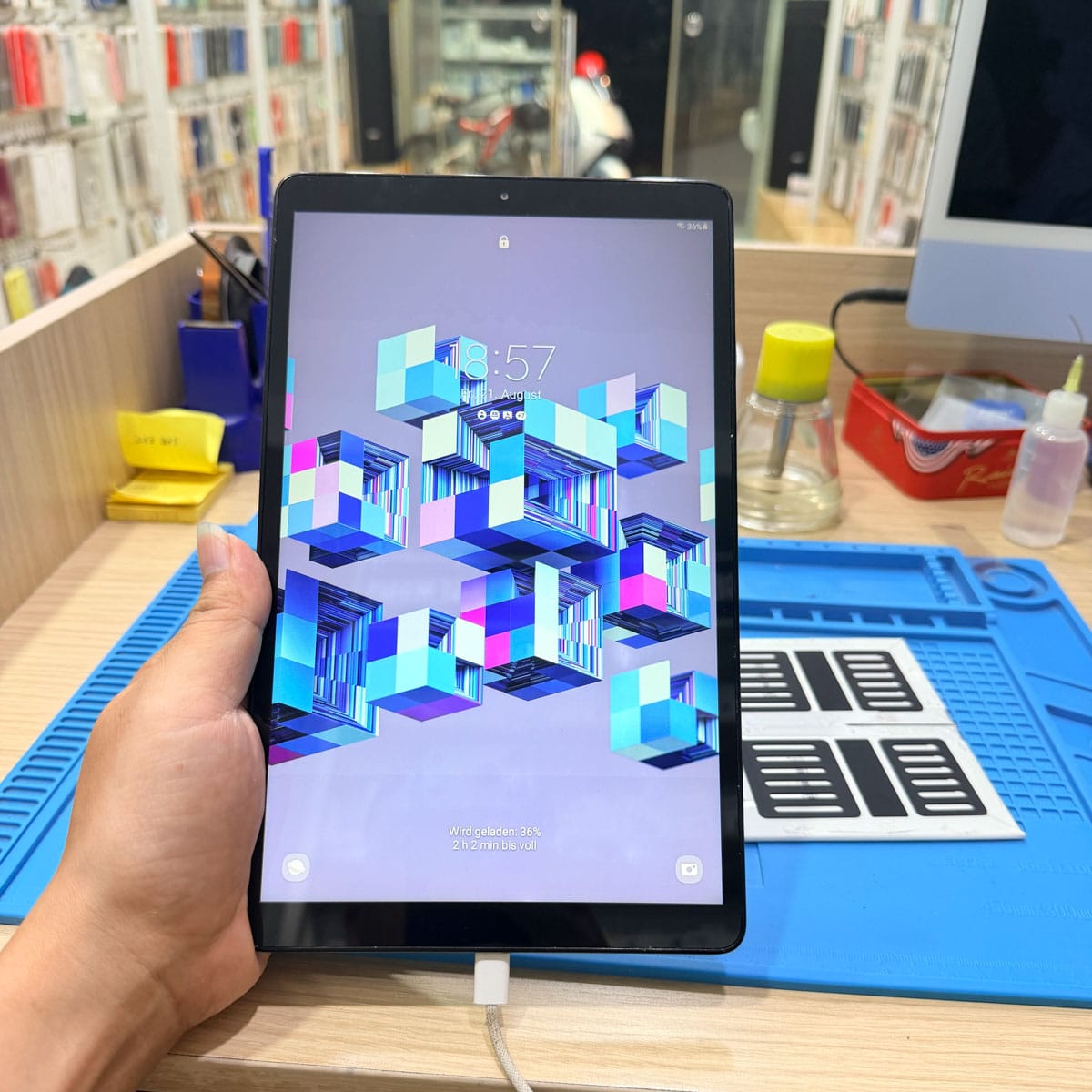
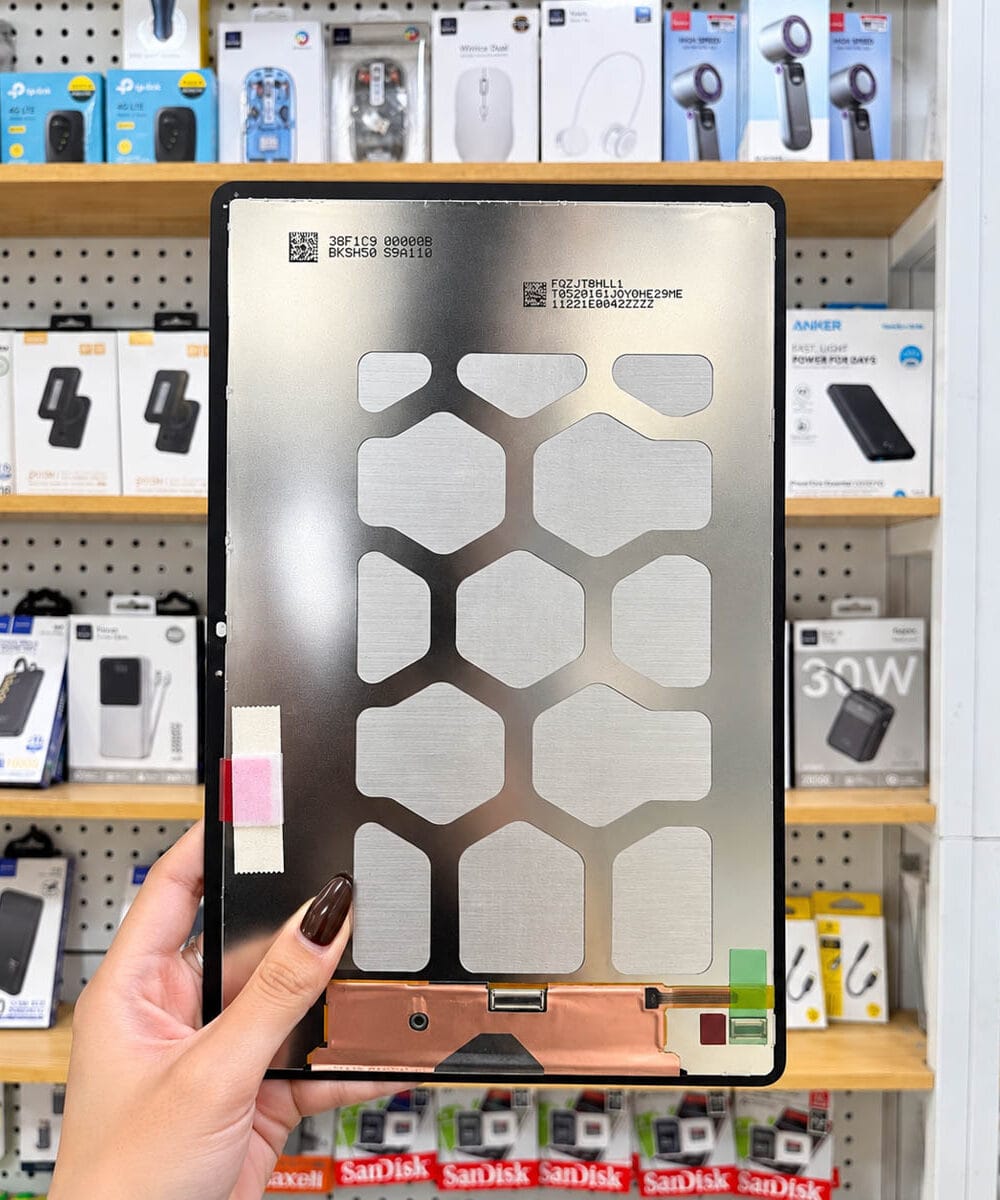
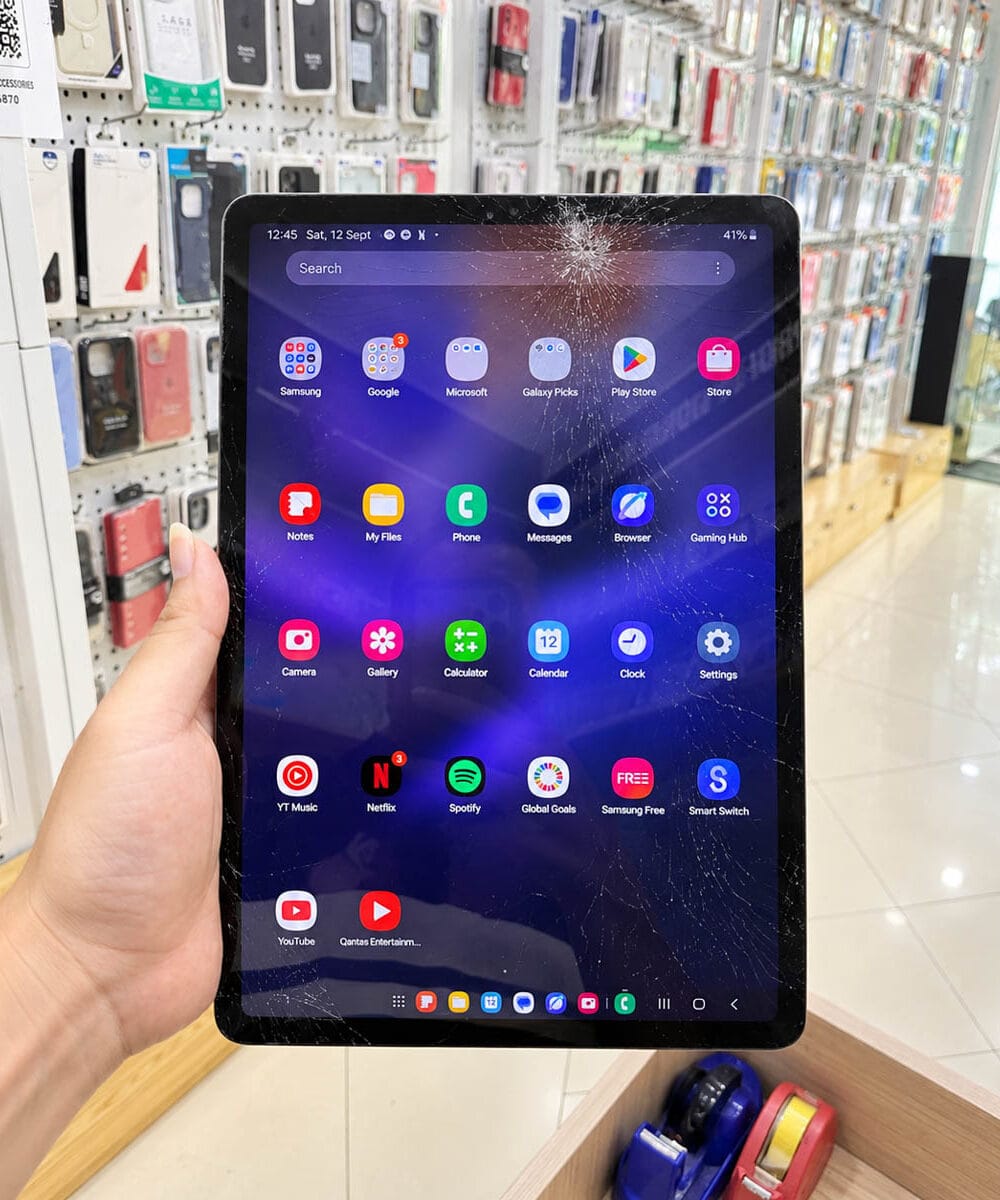
When the battery is stable but another component is damaged, we explain that before proceeding. For example, a tablet with a cracked display may need Tablet screen replacement as a separate repair. Keeping these issues separate makes the quotation easier to understand and prevents customers from paying for work that is not necessary.
Get same day tablet battery repair in Hanoi Old Quarter at Smartphone Accessories
For customers looking for tablet battery repair Hanoi, the priority is usually straightforward: accurate diagnosis, clear pricing, suitable parts, and a repair that fits their schedule. Smartphone Accessories provides same day repair when the device condition, model, and required parts allow it. The actual repair time depends on the tablet construction and whether additional hardware faults are discovered during inspection.
Our same day tablet repair Hoan Kiem service is designed around practical testing rather than rushing through the installation. We explain what has been found, what needs to be replaced, and what can remain untouched. This approach is especially useful for customers who depend on their tablet for travel, work, navigation, communication, or entertainment and need a dependable repair without an unclear process.
Reliable Tech Repair at Smartphone Accessories
Smartphone Accessories is a trusted phone repair service in Hoan Kiem, Hanoi, offering fast diagnostics and same-day repair for Phones, MacBook, and tablets. We fix screen, battery, charging, and water damage issues with a clear and reliable process. Fast repairs. Fair pricing.
- Address: 15 Dinh Tien Hoang, Hoan Kiem, Hanoi
- Hotline/WhatsApp: +84 969 044 078
- Email: duongvantuan2012@gmail.com
- Opening Hours: 10:00 AM – 10:00 PM
Choose a careful tablet battery replacement process
Tablet Battery Replacement is most effective when the battery, charging system, connector, and motherboard power circuit are considered together. At Smartphone Accessories, we focus on high-quality replacement parts, careful installation, transparent pricing, and a strict testing process before the tablet is returned. When same day repair is practical, we work to complete the service efficiently without skipping essential diagnostic checks.