
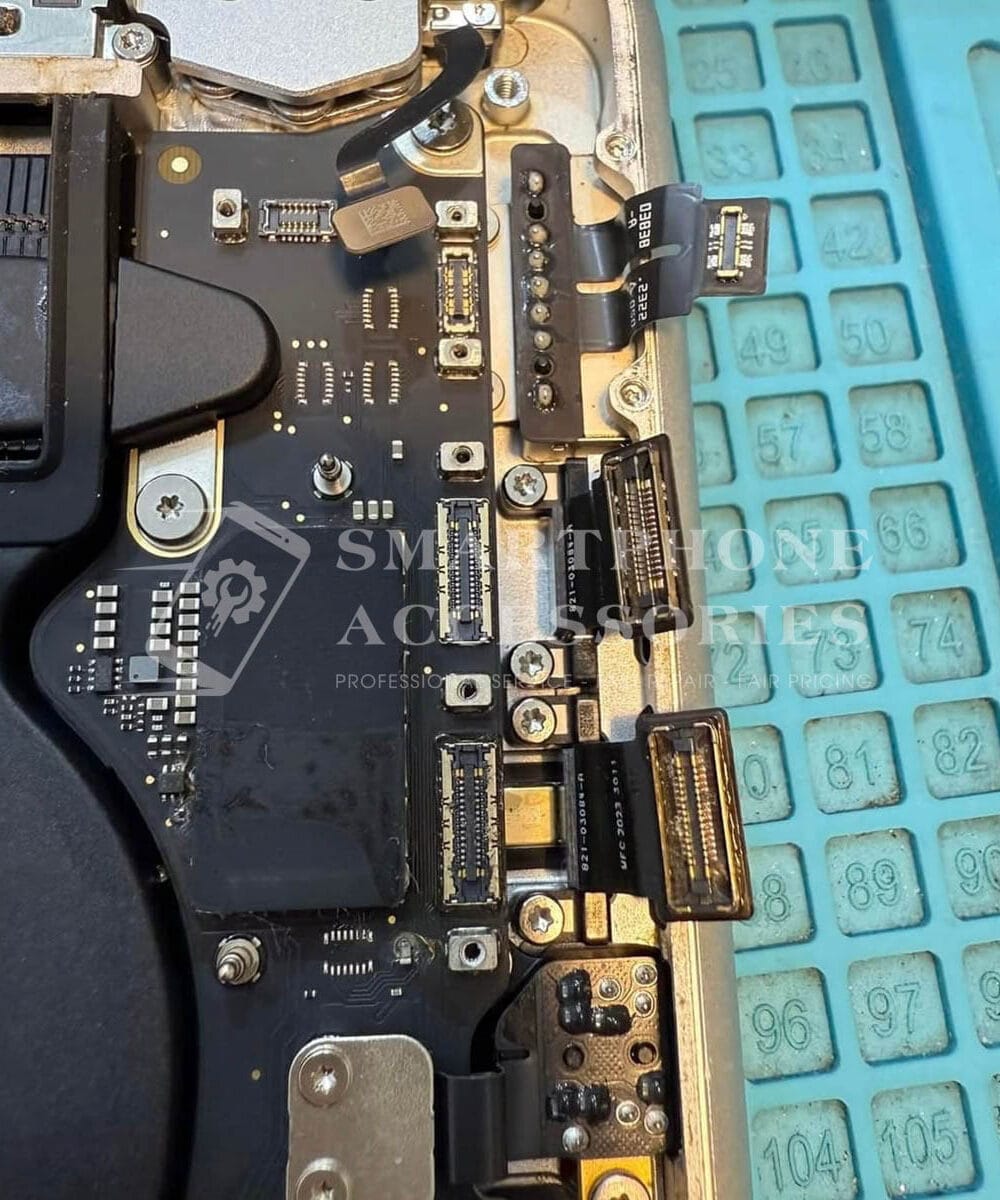
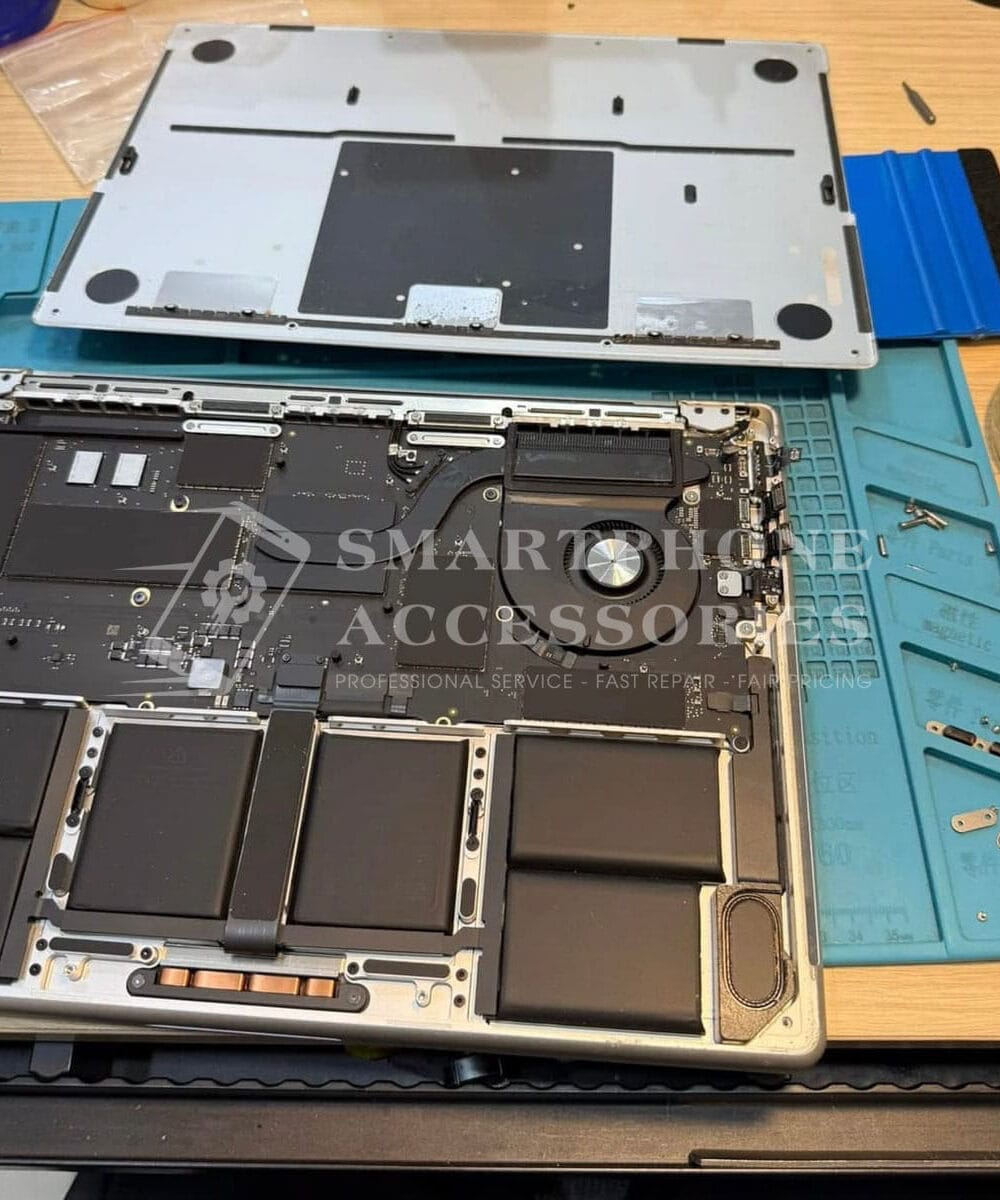
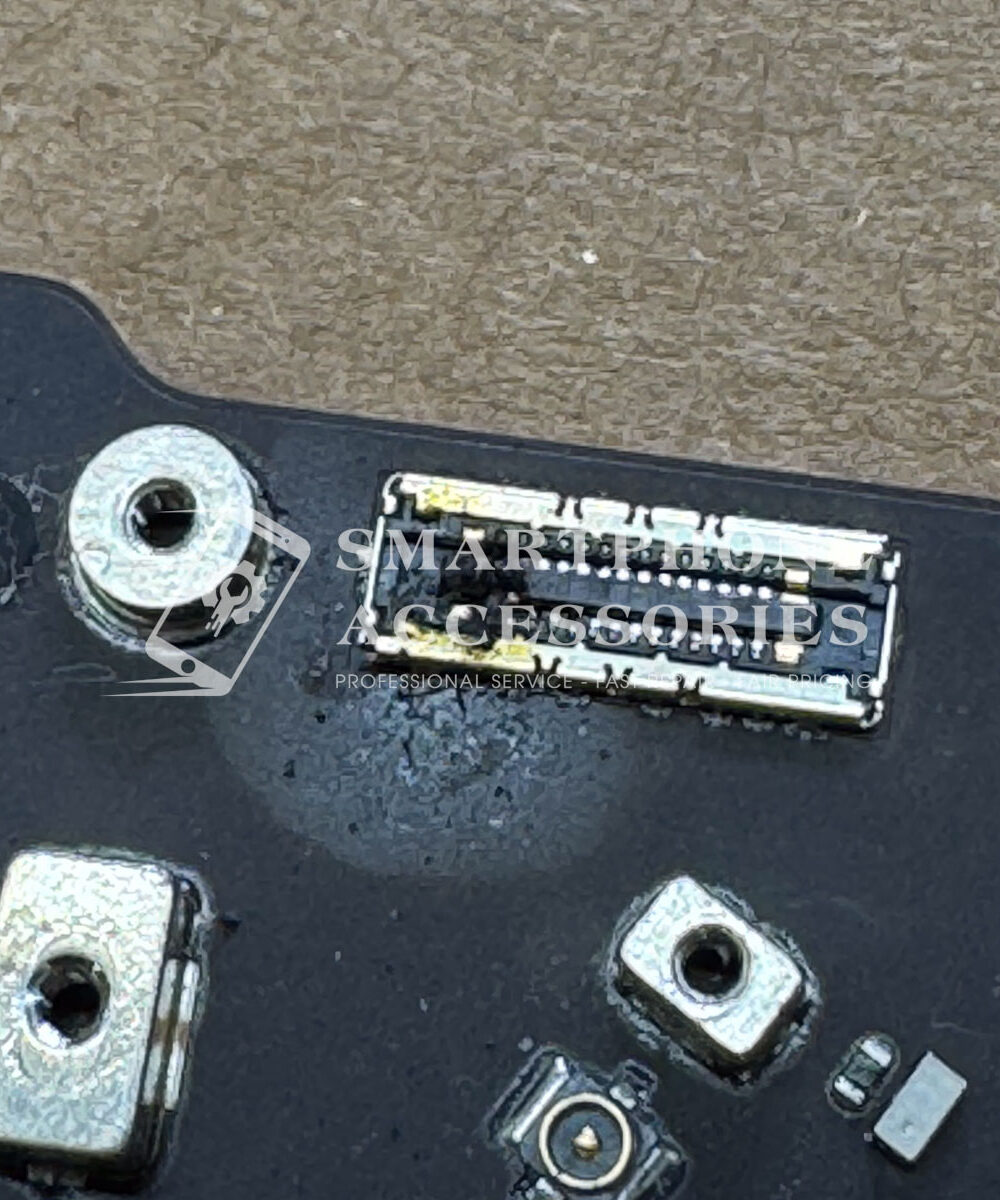
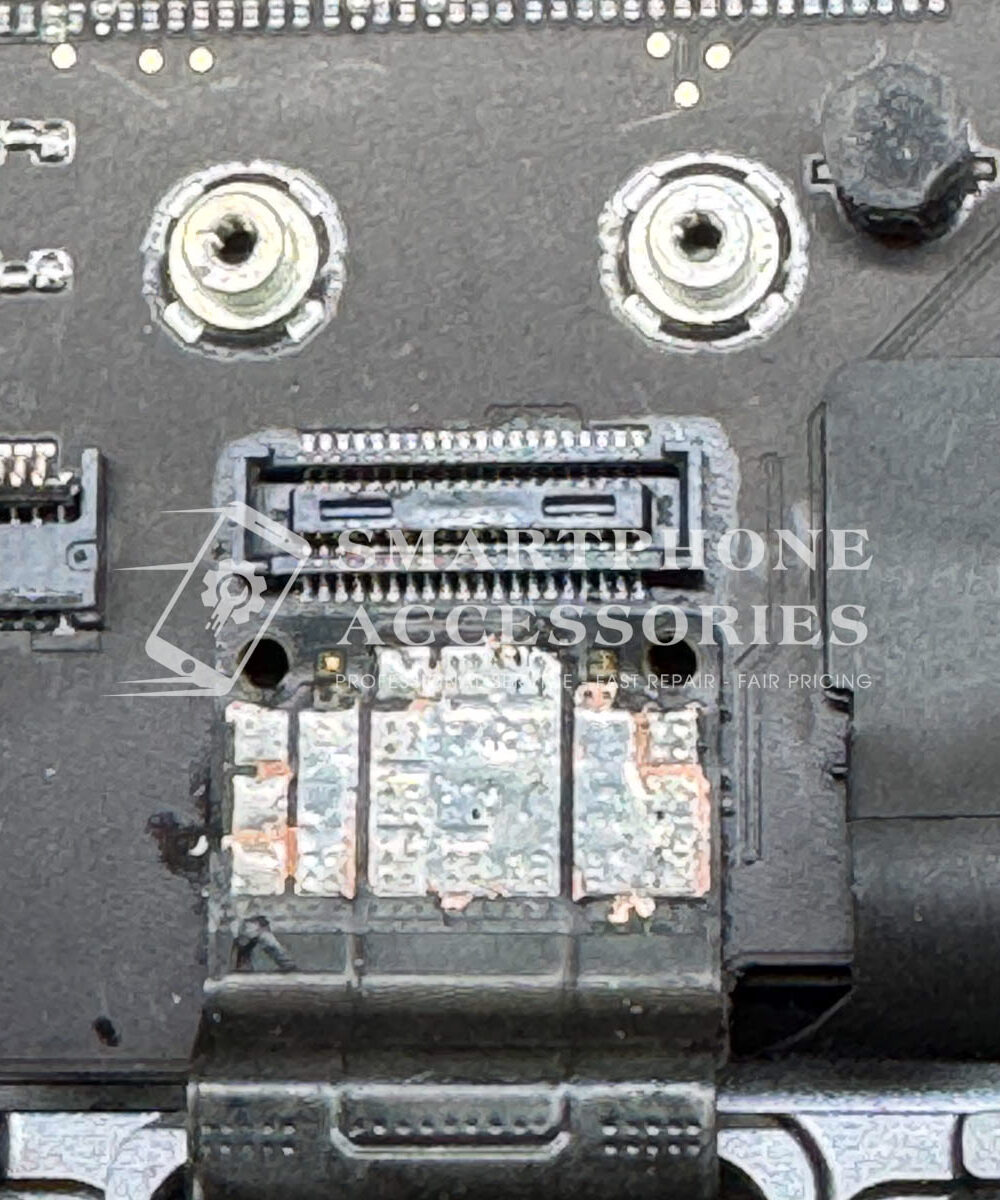
MacBook Motherboard Repair is often needed when a device suddenly stops powering on, refuses to charge, restarts without warning, or shows signs of internal liquid damage. These faults are rarely solved by replacing one obvious part because the logic board contains interconnected power, charging, data, and communication circuits. A proper MacBook motherboard diagnostic service starts with measured electrical testing rather than guesswork. In my years of repairing devices here in Hoan Kiem, I have seen MacBooks arrive after coffee spills, unstable chargers, accidental drops, and unexplained power failures. Many tourists come to our shop panicked because their MacBook contains important work files and they need the computer back quickly. Careful diagnosis helps identify whether the fault is repairable at component level, whether data can be protected, and which repair route makes technical and financial sense.
Recognize critical signs of MacBook logic board failure
A MacBook logic board can develop faults long before the damage becomes visually obvious. A machine that shows no response when the charger is connected may have a problem with the power input path, a shorted power rail, a damaged controller, or a failed component elsewhere on the board. Random shutdowns can also occur when a power rail becomes unstable under load. The important point is that these symptoms do not automatically mean the entire motherboard needs replacement.
Just last week, I handled a case where a MacBook appeared completely dead after a small amount of coffee reached the keyboard area. The customer had already tried another charger and assumed the battery had failed. During inspection, we found early liquid contamination around the board rather than a simple battery problem. After controlled cleaning and electrical testing, the affected circuit could be isolated and repaired without replacing the complete logic board.
For this reason, MacBook motherboard repair should begin only after the symptoms, charging behavior, current consumption, and relevant board circuits have been assessed. This approach reduces unnecessary part replacement and gives the customer a clearer understanding of the actual fault.
Follow a precise MacBook motherboard diagnostic and repair process
Check power rails, power management IC, and startup faults
When a MacBook does not start, I begin by checking the main power path and measuring relevant rails rather than immediately replacing the battery. The power management IC controls several stages of power distribution, so a short or abnormal voltage on one rail can prevent the system from completing its startup sequence. During MacBook motherboard repair, measured resistance and voltage readings help determine whether the fault is caused by a shorted capacitor, damaged IC, failed MOSFET, or another board-level component.
One customer brought in a MacBook that showed a brief response to the power button before shutting down. The battery was healthy, but the board was not maintaining a required power rail. After isolating the faulty section and replacing the damaged component with a suitable high-quality replacement part, the machine could complete startup testing normally.
Test the USB C charging circuit for shorts and instability
USB-C charging faults can be more complicated than a damaged charging port. The charging circuit communicates with several power-management components, and a short in the input path can cause unstable charging, repeated connection and disconnection, or no charging response at all. A proper MacBook motherboard diagnostic service includes checking the USB-C input path, relevant power rails, connector condition, and abnormal current behavior.
When the MacBook can only charge intermittently, I also inspect the connector for physical contamination or damage before moving toward board-level work. If the port itself is healthy but the input circuit is unstable, component-level repair may be more appropriate than replacing unrelated parts. This is where careful MacBook motherboard repair can preserve the original board architecture while addressing the actual electrical fault.
Clean liquid damage corrosion before microsoldering components
Liquid damage requires particular care because corrosion can continue developing after the device appears dry. Coffee, soft drinks, and saltwater leave conductive residues that can create leakage paths between components. Saltwater is especially aggressive because dissolved salts increase conductivity and accelerate corrosion on exposed metal surfaces. A common mistake I see when people drop their phones in water is assuming that drying the outside is enough. The same principle applies to MacBooks.
For liquid-damaged MacBooks, I inspect the affected board areas, remove contamination, and use appropriate cleaning methods before attempting microsoldering components. Corroded pads or traces must be assessed before a replacement component is installed because soldering over contamination can create another failure later. During MacBook motherboard repair, the goal is not simply to make the computer turn on once, but to remove the underlying cause and verify stable operation afterward.
Protect essential files with careful data recovery service
A dead MacBook is often more than a hardware problem because the storage may contain business documents, photographs, project files, or travel information that cannot easily be replaced. When the machine does not boot, I first consider whether the data can be accessed through normal recovery methods before any unnecessary board intervention. On models where storage architecture is integrated differently, the recovery options depend heavily on the exact model and board condition.
In my years of repairing devices here in Hoan Kiem, I have handled cases where the customer’s main concern was recovering files rather than restoring the computer itself. Careful diagnostics can help protect those priorities. Where technically feasible, a data recovery service can be considered alongside MacBook motherboard repair, with the repair strategy chosen to minimize additional risk to the stored information.
Get transparent same day MacBook repair in Hanoi
For customers who need a working computer quickly, MacBook Repair Hanoi services at Smartphone Accessories focus on diagnosis before repair. Estimated repair time depends on the fault, board condition, required components, and the results of electrical testing. Some straightforward cases can be completed the same day, while complex liquid damage or microsoldering work may require additional testing.
When a display problem accompanies a motherboard fault, we also check whether the screen itself is contributing to the symptoms. For example, a MacBook with impact damage may require MacBook screen replacement in addition to board diagnostics. Keeping these faults separate prevents a screen issue from being incorrectly attributed to the logic board.
Many tourists come to our shop panicked because they have limited time in Hanoi and cannot afford to lose access to their MacBook. In these situations, I explain what has actually been measured, which repair options are technically reasonable, and whether same day MacBook repair Hanoi is realistic for the particular case. Clear communication is part of the repair process because customers should understand what is being repaired before work begins.
Reliable Tech Repair at Smartphone Accessories
Smartphone Accessories is a trusted phone repair service in Hoan Kiem, Hanoi, offering fast diagnostics and same-day repair for Phones, MacBook, and tablets. We fix screen, battery, charging, and water damage issues with a clear and reliable process. Fast repairs. Fair pricing.
- Address: 15 Dinh Tien Hoang, Hoan Kiem, Hanoi
- Hotline/WhatsApp: +84 969 044 078
- Email: duongvantuan2012@gmail.com
- Opening Hours: 10:00 AM – 10:00 PM
Reliable MacBook Motherboard Repair Based on Diagnosis
MacBook motherboard repair requires measured diagnostics, careful component-level work, and thorough testing after the fault has been addressed. At Smartphone Accessories, we use premium quality and technically appropriate replacement parts, explain the repair findings clearly, and avoid unnecessary component replacement whenever possible. Whether the problem involves power failure, USB-C charging instability, liquid damage corrosion, or a data-related concern, the repair approach is based on the actual condition of the board. Transparent pricing, practical repair timelines, and controlled testing help provide a more reliable repair experience for MacBook users in Hanoi.