
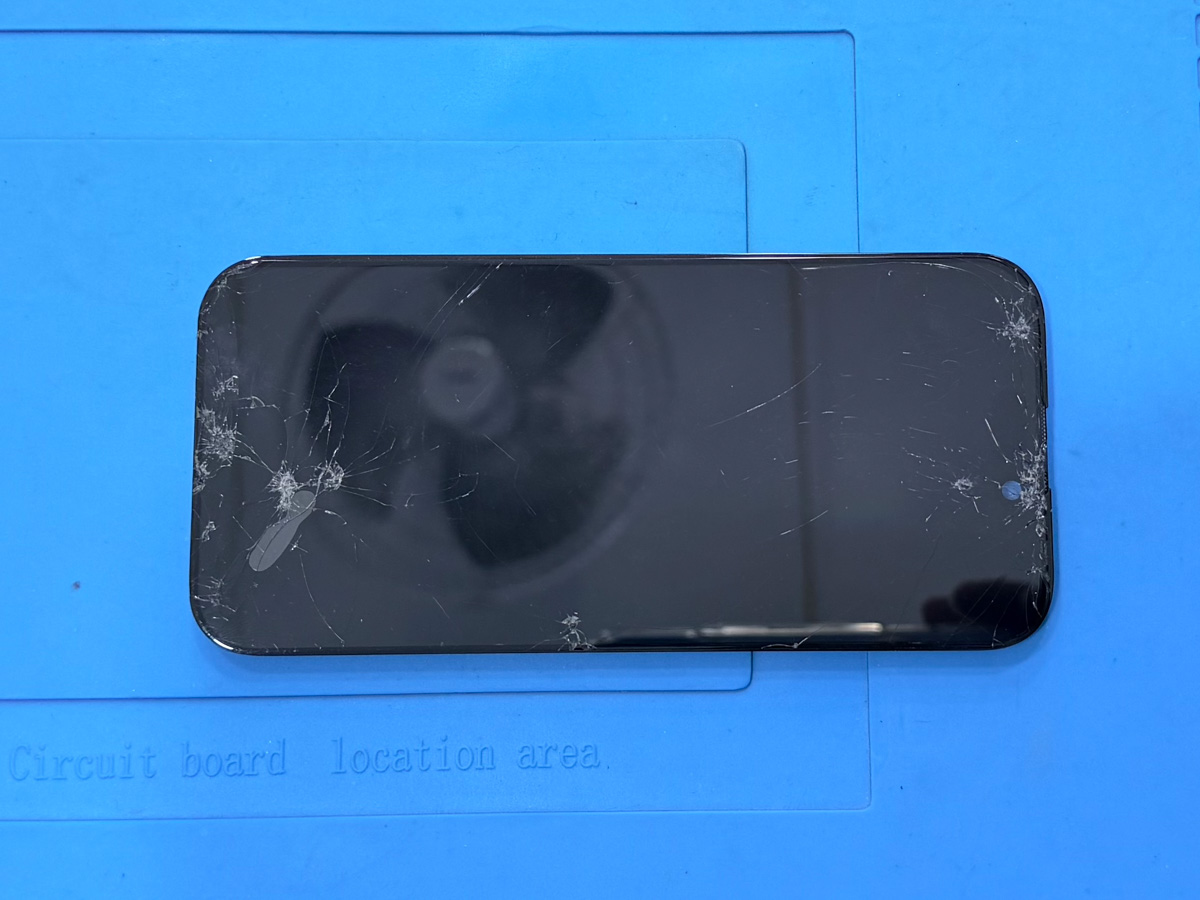
iPhone Screen Issues: When to Seek Professional Inspection in Hanoi
iPhone screen issues often develop gradually rather than appearing as sudden failures. In many cases, early symptoms are subtle and do not immediately affect daily usability, making them easy to overlook.
Changes in touch response, display stability, or visual behavior may reflect internal stress within the screen assembly rather than surface-level damage. Professional inspection helps identify these underlying conditions before they progress into more serious and difficult-to-manage issues.
Understanding iPhone Screen Issues Beyond Visible Damage
iPhone screens are designed to withstand daily use, but even minor impacts can introduce internal stress that is not immediately visible. Cracks, touch delays, or flickering may appear superficial, yet these symptoms often indicate deeper issues within the screen assembly.
Many users continue using their devices when the display still powers on, assuming the issue is cosmetic. In practice, this assumption can allow internal problems to develop quietly over time.
Professional inspection focuses on understanding what is happening beneath the glass, not just what can be seen on the surface.
How iPhone Screens Degrade Over Time
Daily Mechanical Stress
Repeated tapping, swiping, pocket pressure, and small drops apply constant stress to the screen structure. Over time, this stress affects not only the glass layer but also the digitizer and internal connectors.
Even without obvious cracks, internal tension may accumulate and reduce display stability.
Micro Damage Beneath the Glass
Small impacts can cause micro-level damage that weakens bonding points inside the screen assembly. These changes may not affect functionality immediately but increase the risk of sudden failure later.
Common iPhone Screen Problems Users Often Ignore
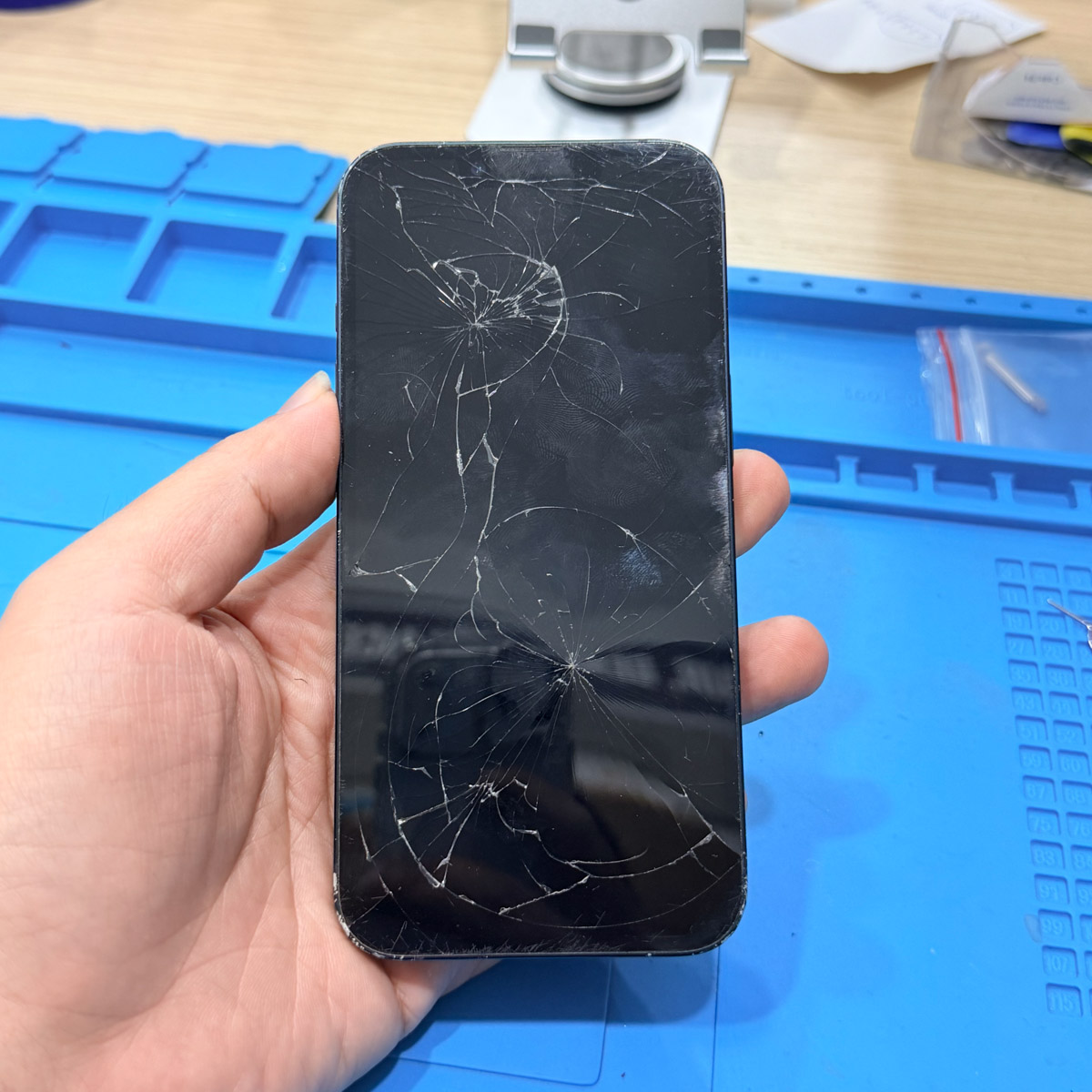
Cracked or Chipped Glass Without Display Failure
A cracked screen that still works normally is one of the most frequently ignored issues. However, cracks compromise structural balance and can expose internal layers to environmental stress.
Ghost Touch and Touch Delay
Unintended inputs or delayed touch response often indicate digitizer disruption rather than software problems. These symptoms commonly appear after impact or prolonged use.
Flickering and Brightness Instability
Inconsistent brightness or intermittent flickering may signal connector strain or early panel degradation. Ignoring these signs can lead to complete display failure without warning.
Why Small Screen Issues Can Become Bigger Problems
Damage alters how pressure is distributed across the screen.
Instead of spreading evenly, force concentrates around weakened areas,
increasing stress on internal connectors.
When to Seek Professional Inspection
Professional inspection is recommended when:
- Touch accuracy changes after impact
- Flickering or brightness instability appears
- Screen behavior changes without a clear cause
- Minor damage persists over time
Early assessment often prevents secondary issues that are more complex to address later.
Related Issue-Based Reference
This article is part of our device inspection education series, focusing on identifying early-stage display risks before they develop into more complex screen failures.
For users experiencing persistent screen-related symptoms, a structured inspection process can help determine whether replacement is required.
👉 iPhone 13 screen replacement
