
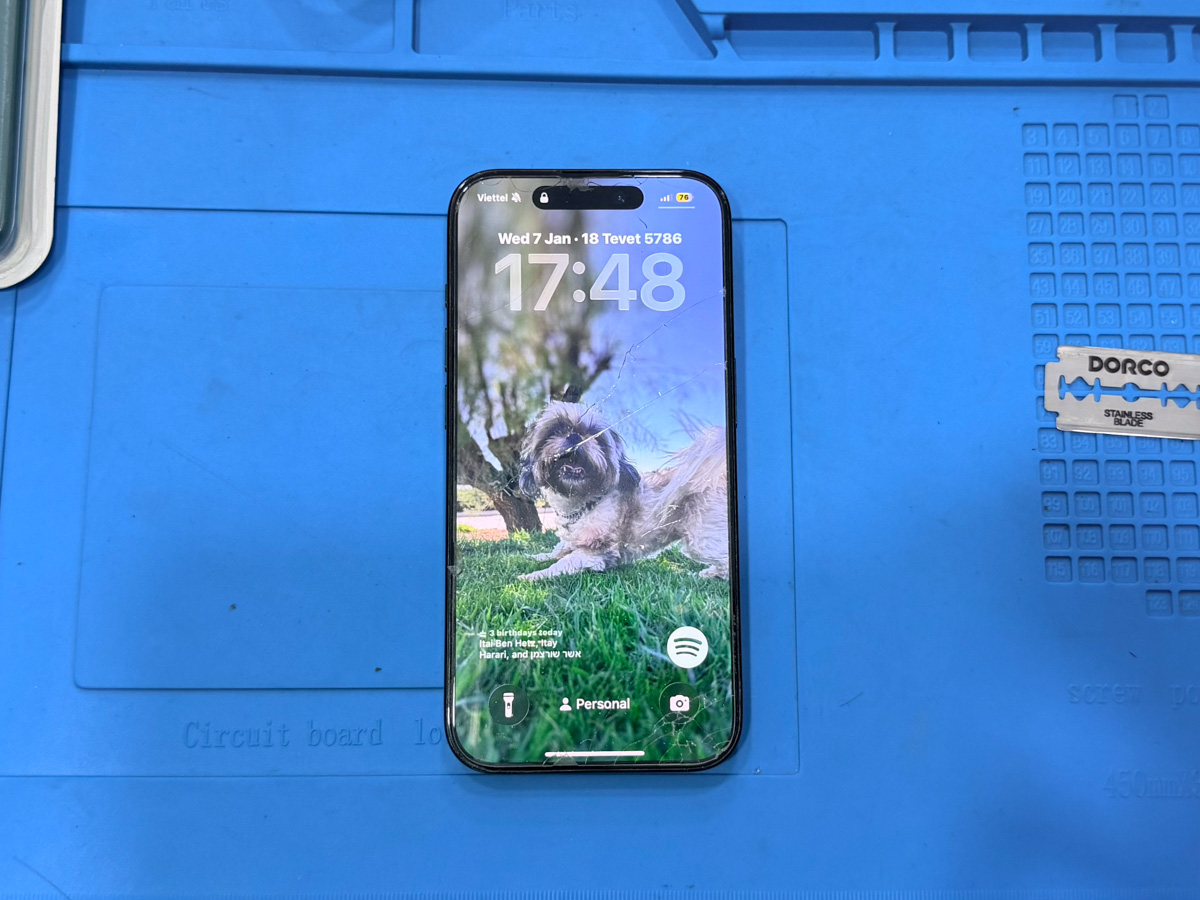
Ghost Touch iPhone Screen Issue: Causes and Early Warning Signs
The ghost touch iPhone screen issue occurs when an iPhone registers touch input without user interaction, resulting in random taps, scrolling, or unintended actions during normal use.
This issue is commonly mistaken for a software-related problem. In practice, ghost touch is most often caused by physical impact, pressure, or environmental exposure that affects the screen’s touch layer. Early inspection is necessary to prevent further internal degradation.
Understanding Ghost Touch Beyond Software Errors
Ghost touch behavior is not primarily caused by iOS software. While software updates or resets may temporarily reduce symptoms, they do not address the underlying cause.
In most cases, ghost touch originates from external physical influence such as device drops, compression in pockets or bags, or long-term pressure applied to the screen. These factors disrupt the electrical signal flow within the digitizer, leading to unstable touch detection.
Common Early Signs of Ghost Touch Issues
Ghost touch issues often develop gradually and may worsen over time. Typical early signs include:
- Random screen taps without physical contact
- Uncontrolled scrolling or typing
- Applications opening or closing automatically
- Touch response occurring in specific areas of the screen
- Increased frequency during charging, heat exposure, or after impact
These symptoms may appear intermittently, which often delays proper inspection.
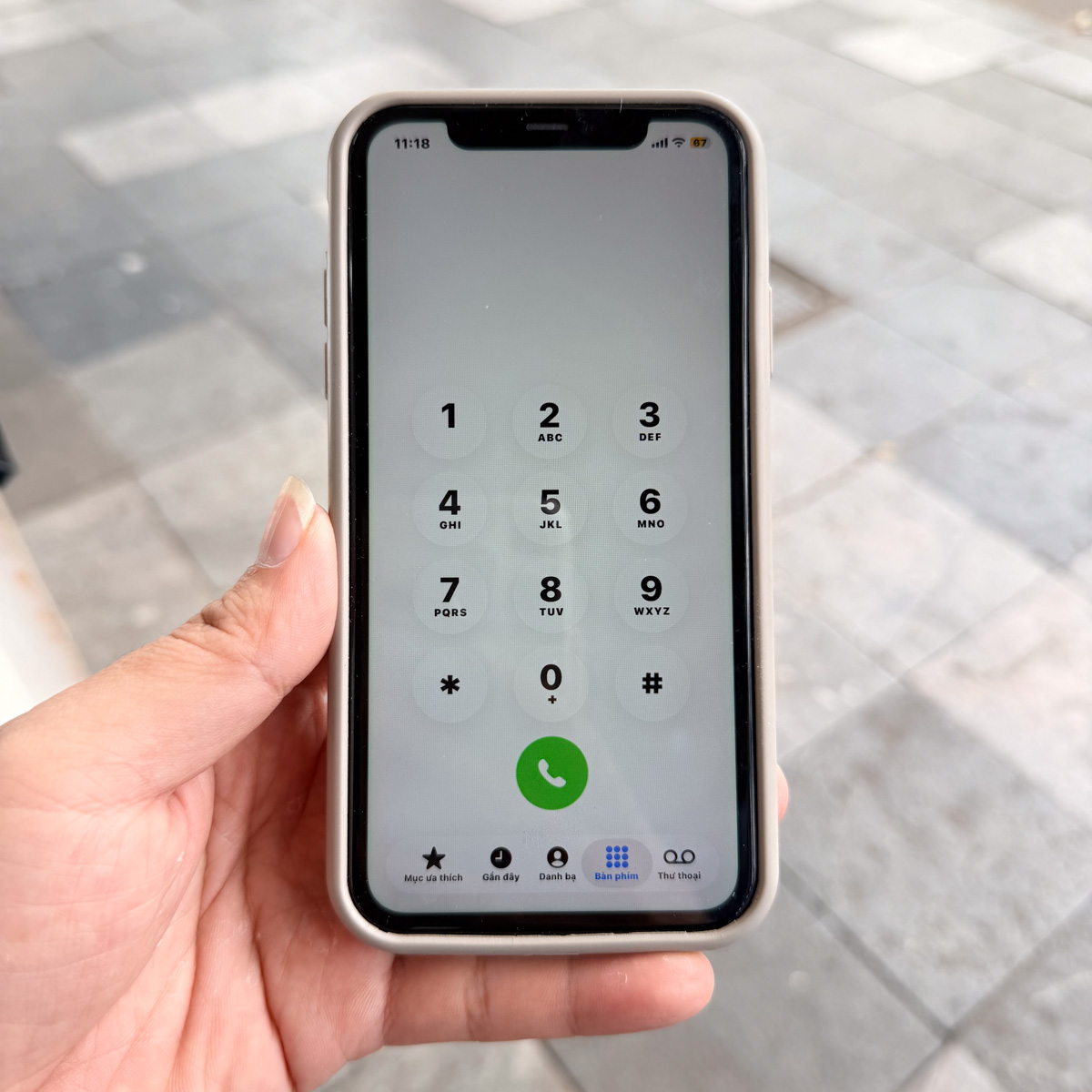
What Causes Ghost Touch on iPhone Screens
Several non-software factors commonly lead to ghost touch behavior:
External Impact or Pressure
Dropping the device, accidental impacts, or sustained pressure on the screen surface can create internal stress within the digitizer layer, even if no cracks are visible.
Screen Compression or Bending
Carrying the phone in tight pockets, sitting on the device, or placing heavy objects on the screen may deform internal screen layers and cause unstable touch signals.
Moisture or Humidity Exposure
Water, moisture, or prolonged exposure to humid environments can alter electrical sensitivity inside the touch layer, triggering erratic touch behavior without obvious water damage indicators.
Why Ghost Touch Should Not Be Ignored
Although the device may remain partially usable, ghost touch behavior often progresses. Continued use after physical damage or moisture exposure may increase instability within the display assembly and affect adjacent internal components.
Early inspection helps determine whether the issue is confined to the screen layer or if additional internal risks are developing.
When Professional Inspection Becomes Necessary
Professional inspection is recommended when:
- Ghost touch appears repeatedly without a clear software trigger
- Touch instability worsens after drops, pressure, or moisture exposure
- Screen input becomes unpredictable during normal use
- Symptoms persist despite software troubleshooting
A structured inspection allows accurate assessment of physical damage and prevents unnecessary component replacement.
Related Issue-Based Reference
This article is part of an inspection-focused content series addressing early-stage display risks before major failures occur.
👉 iPhone screen replacement
