


iPad Drying Service – Liquid Removal & Internal Cleaning
Introduction
iPad drying service is required when liquid exposure causes repeated restarting, freezing at the Apple logo, or unstable performance due to internal moisture and oxidation.
When liquid reaches internal components, continued device use may worsen corrosion. A controlled drying process helps remove moisture and clean affected areas before further damage develops.
Why an iPad Needs Drying After Water Contact
When water enters an iPad, common symptoms may include:
- Fog or moisture marks inside the camera
- Continuous restarting
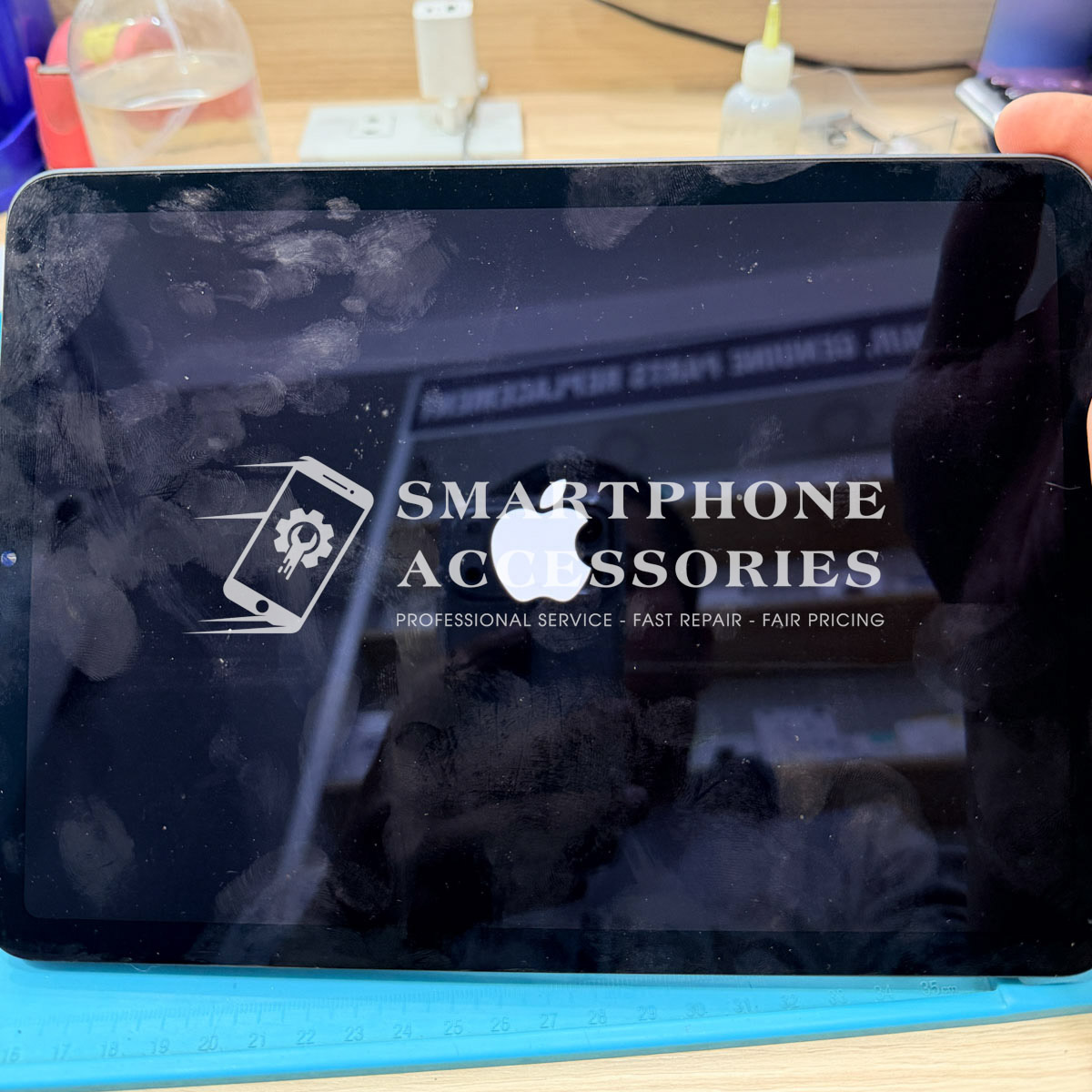
- Stuck on the Apple logo
- Screen flickering, vertical lines, or black display
- Device overheating even when idle
These signs indicate liquid reaching internal circuits and initiating oxidation.
Drying and Internal Cleaning Process
The service follows a structured and careful workflow:
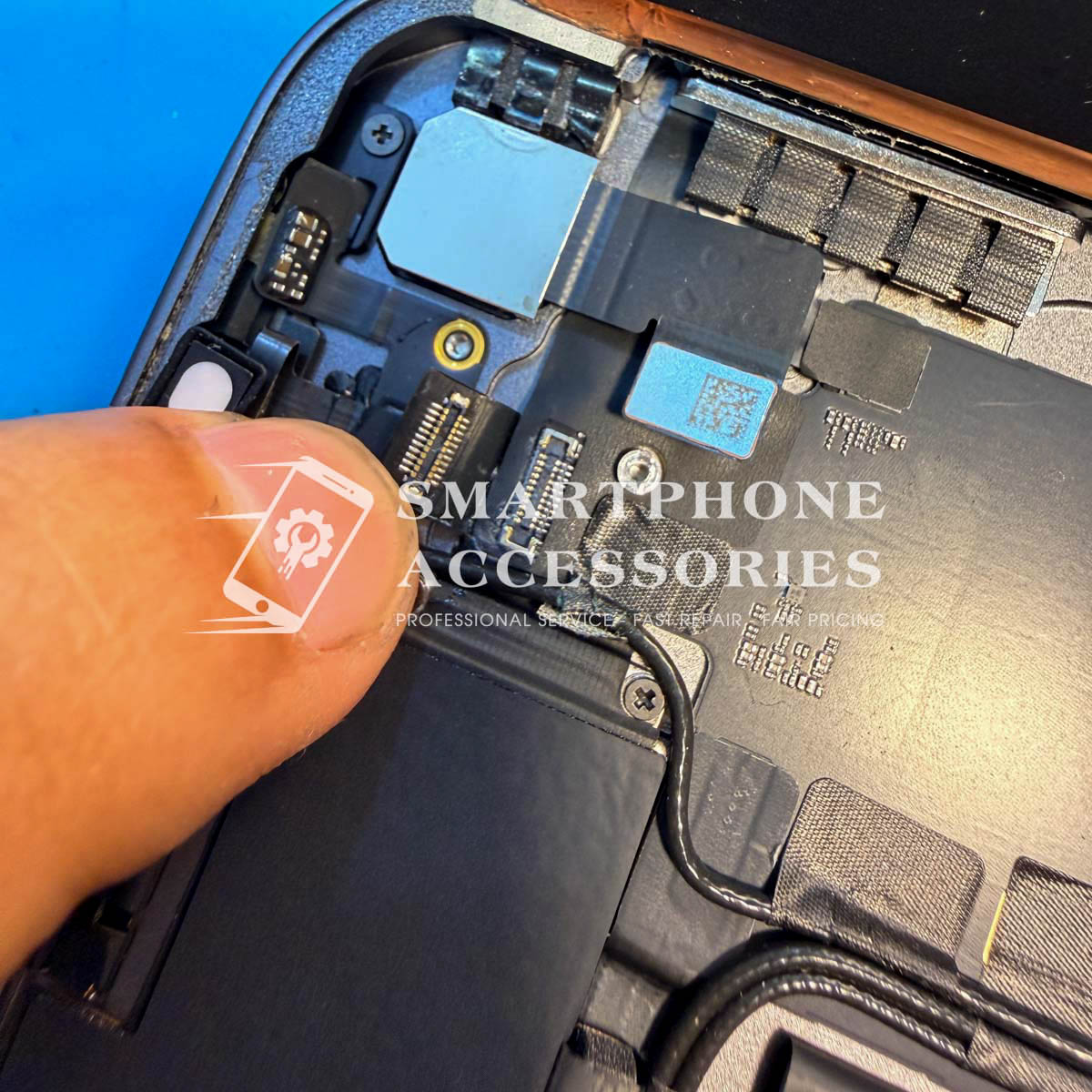
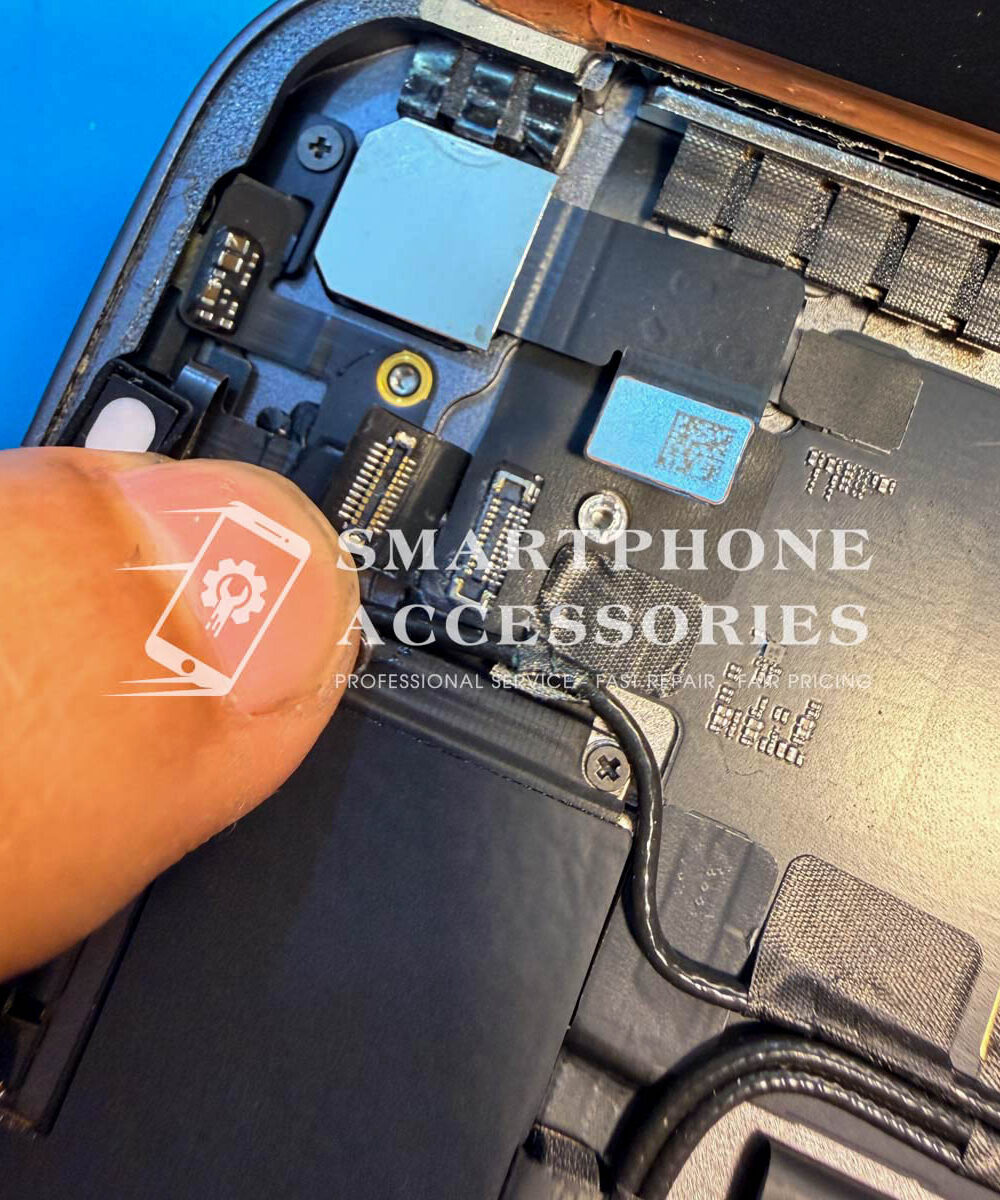
- Open the device and identify areas affected by liquid
- Use specialized drying equipment to remove internal moisture
- Clean oxidation residue from sensitive components
- Reassemble the device with proper alignment
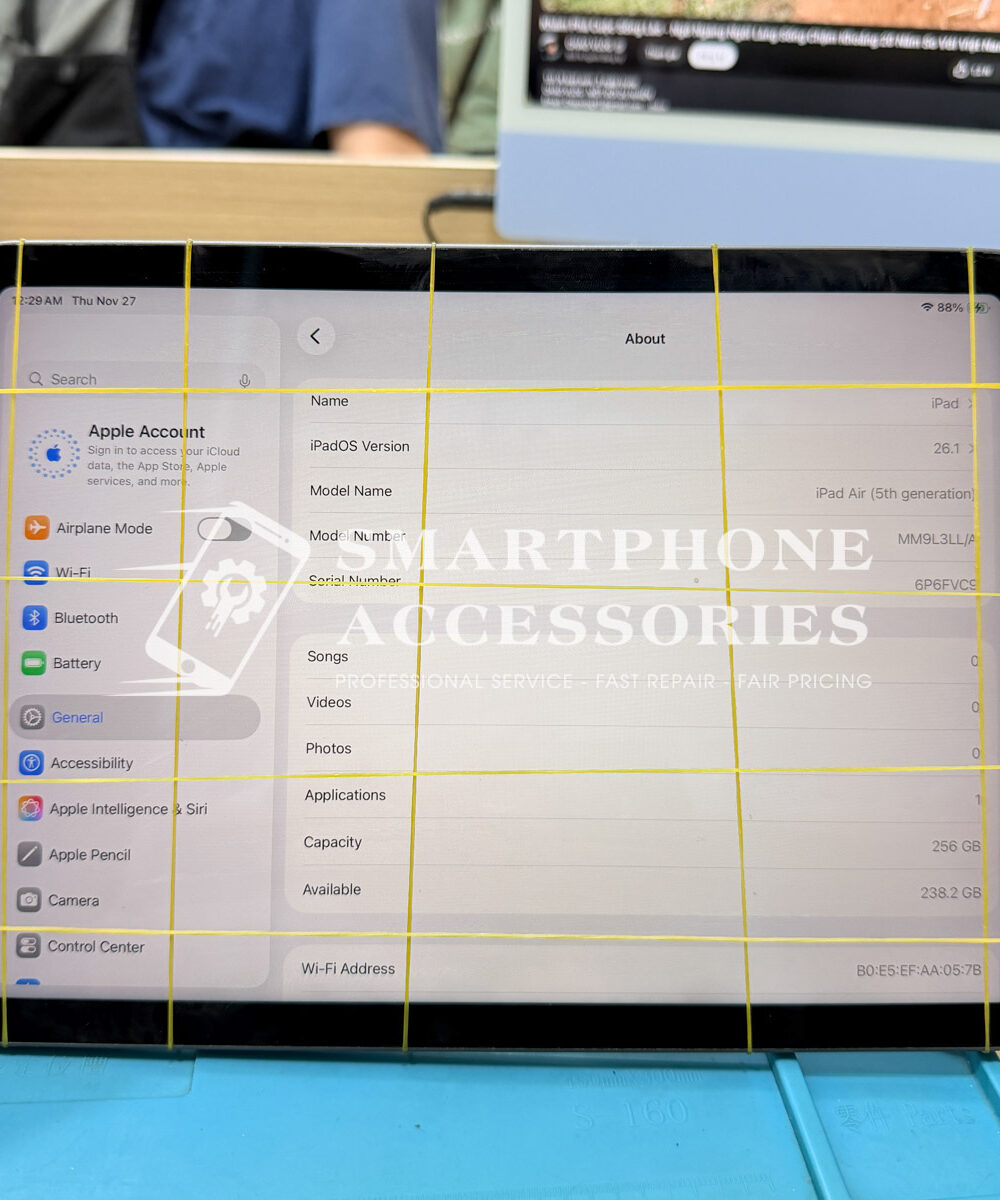
- Power on and check core functions including touch, display, camera, Wi-Fi, buttons, and charging
This process focuses on stabilization rather than immediate component replacement.
Local Service in Hoan Kiem, Hanoi
For users in Hoan Kiem, Hanoi, early drying after liquid exposure helps limit corrosion spread and supports long-term device stability through proper internal cleaning.
Service Handling Policy
At Smartphone Accessories, devices exposed to liquid are handled using a clear inspection-first approach.
After inspection, a transparent service quote is provided. Drying and cleaning proceed only with customer approval to ensure clarity and accountability.
Other Repair Services
Internal Reference
Phone Repair Hanoi
Reviews
There are no reviews yet.